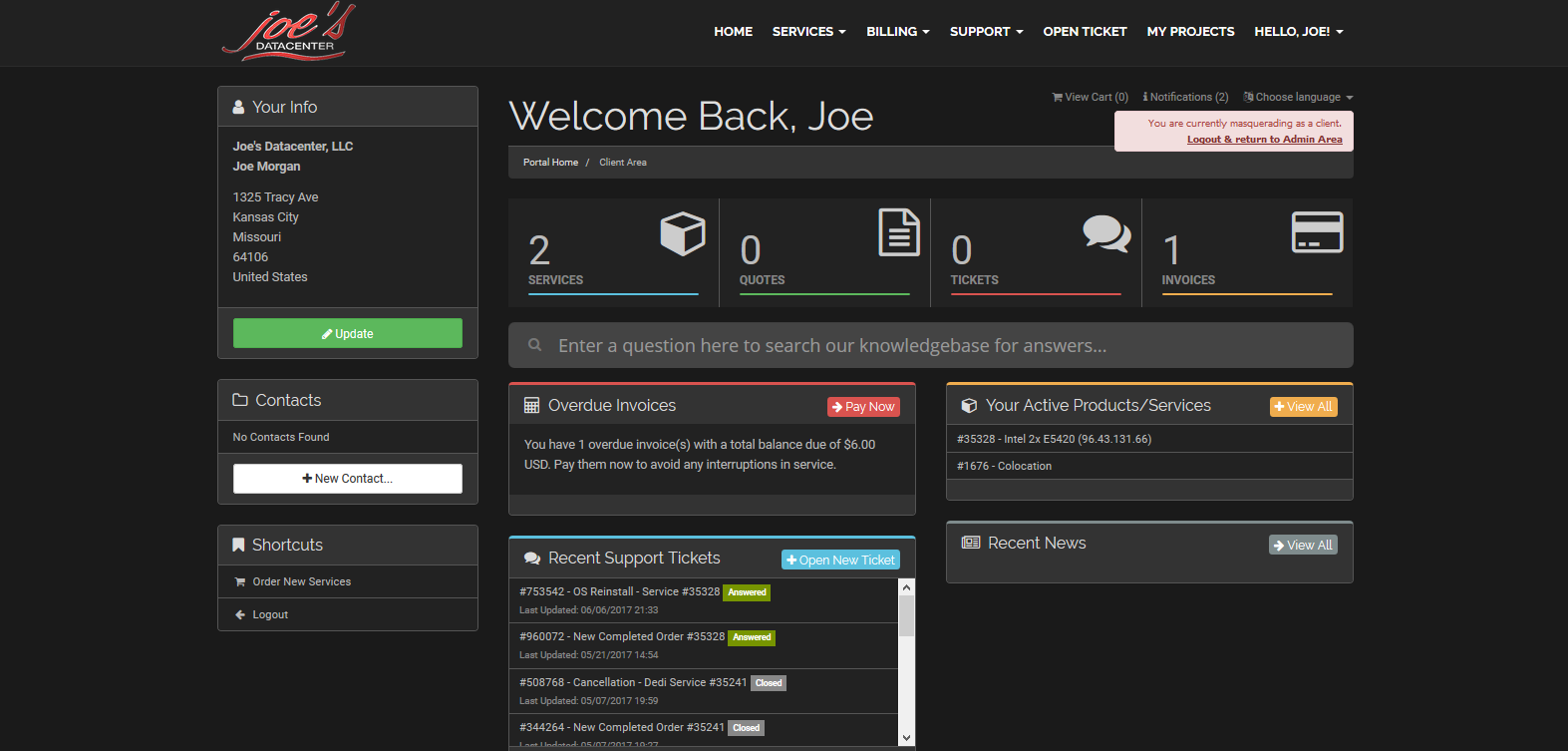
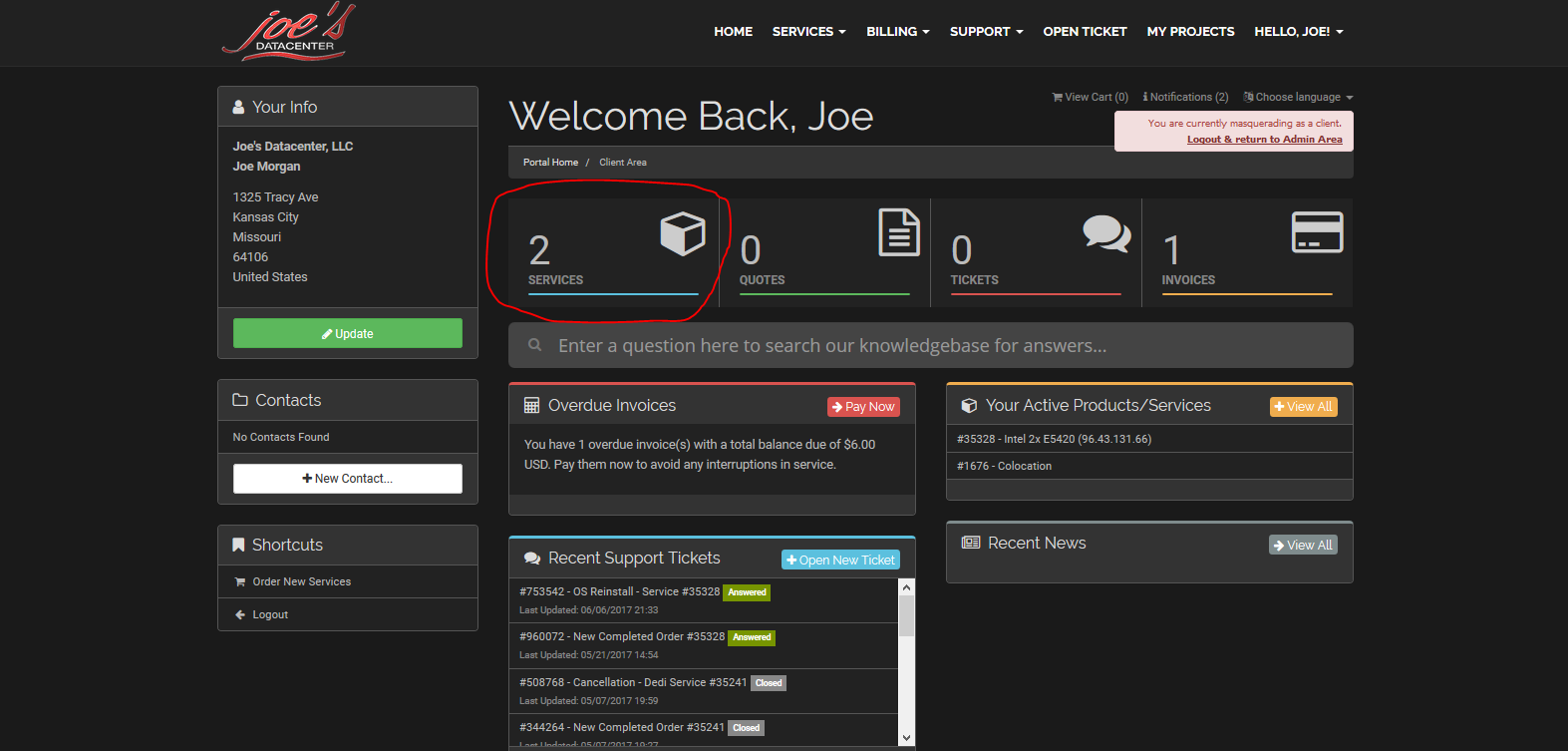
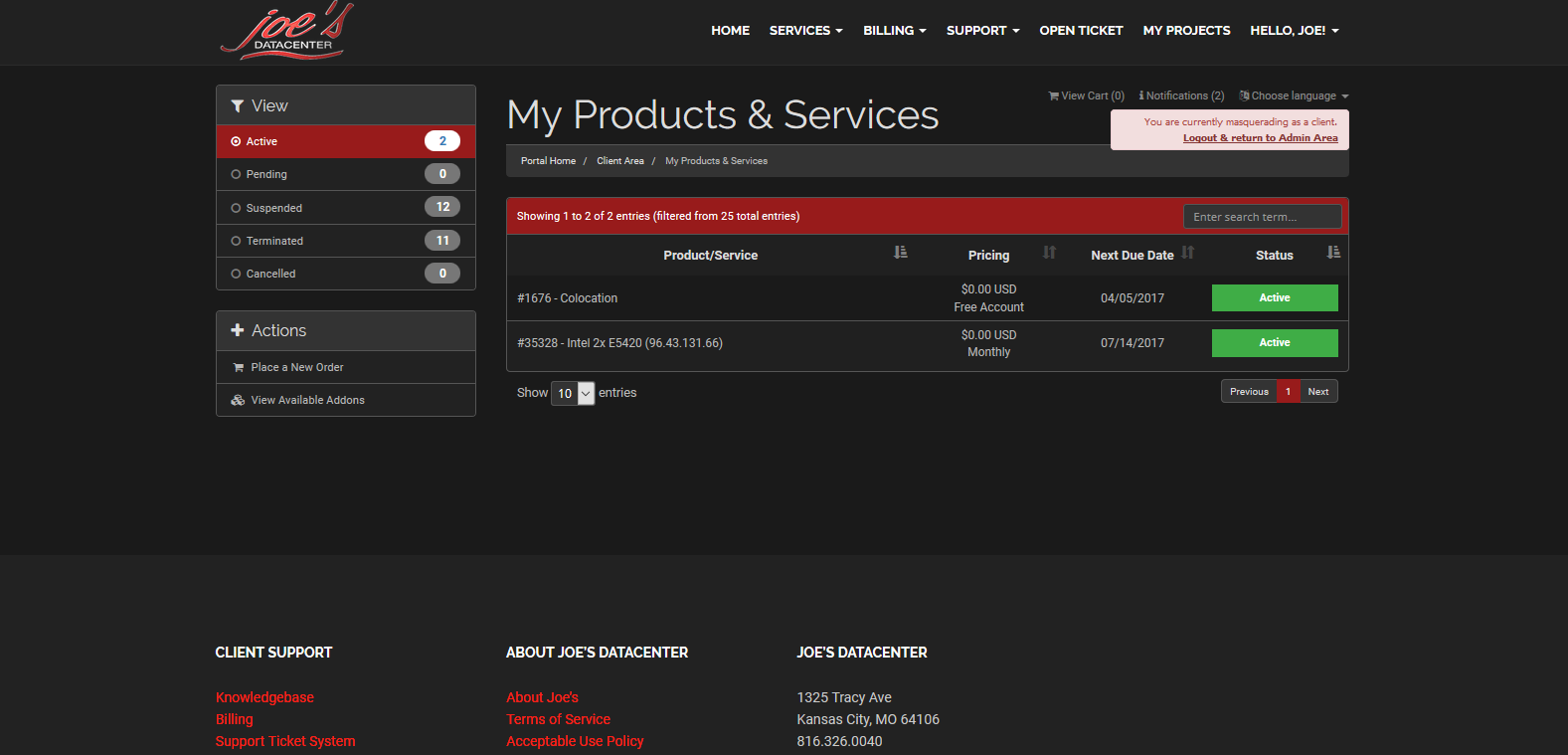
Select the services tab, and then select the service that you would like to manage.
From there, scroll to the bottom of the page to the "Current Interface Assignments" section.
If the enabled button is highlighted green, the service is active. If the disabled button is highlighted red, the service is not active. To change the status of the service, simply click the enable or disable buttons as needed.